
Download SpamSieve – spam filter, email filter, Apple Mail, machine learning, spam protection, email security, inbox cleanup
Overview
SpamSieve is a specialized email filtering tool designed for Mac users seeking a reliable solution to manage spam and cluttered inboxes. Built specifically for macOS, the software integrates directly with Apple Mail and other compatible email clients, enabling real-time filtering of unwanted messages. Its primary purpose is to reduce the time spent sorting through spam by automatically identifying and isolating malicious or irrelevant emails. This makes it particularly useful for professionals, freelancers, and individuals who receive a high volume of daily email traffic.
SpamSieve leverages machine learning technology to adapt to user behavior over time, improving its filtering accuracy as it learns from user actions such as marking emails as spam or not spam. This adaptive capability ensures that the tool evolves with individual preferences, minimizing false positives and enhancing inbox hygiene. While the developer, SpamSieve, Inc., is not detailed further in available information, the software’s focus on integration and automation suggests a targeted approach to email productivity.
Real-world usage scenarios include managing business communications, filtering promotional content, and protecting against phishing attempts. The software operates in the background, requiring minimal user intervention once configured. The developer did not provide additional system requirements or detailed use case examples beyond general email management.
Key Features & Capabilities
- Machine Learning-Based Filtering – SpamSieve uses adaptive algorithms to analyze incoming emails and classify them based on user-defined patterns and historical behavior. This allows the system to improve its accuracy over time without manual reconfiguration.
- Seamless Apple Mail Integration – The software works directly within Apple Mail, applying filters in real time without requiring users to switch applications or modify email workflows.
- Customizable Filtering Rules – Users can define specific conditions for spam detection, such as sender domains, keywords, or message headers, allowing for tailored protection based on individual needs.
- Real-Time Spam Detection – Incoming messages are evaluated immediately upon arrival, ensuring that spam is moved to the junk folder before it appears in the inbox.
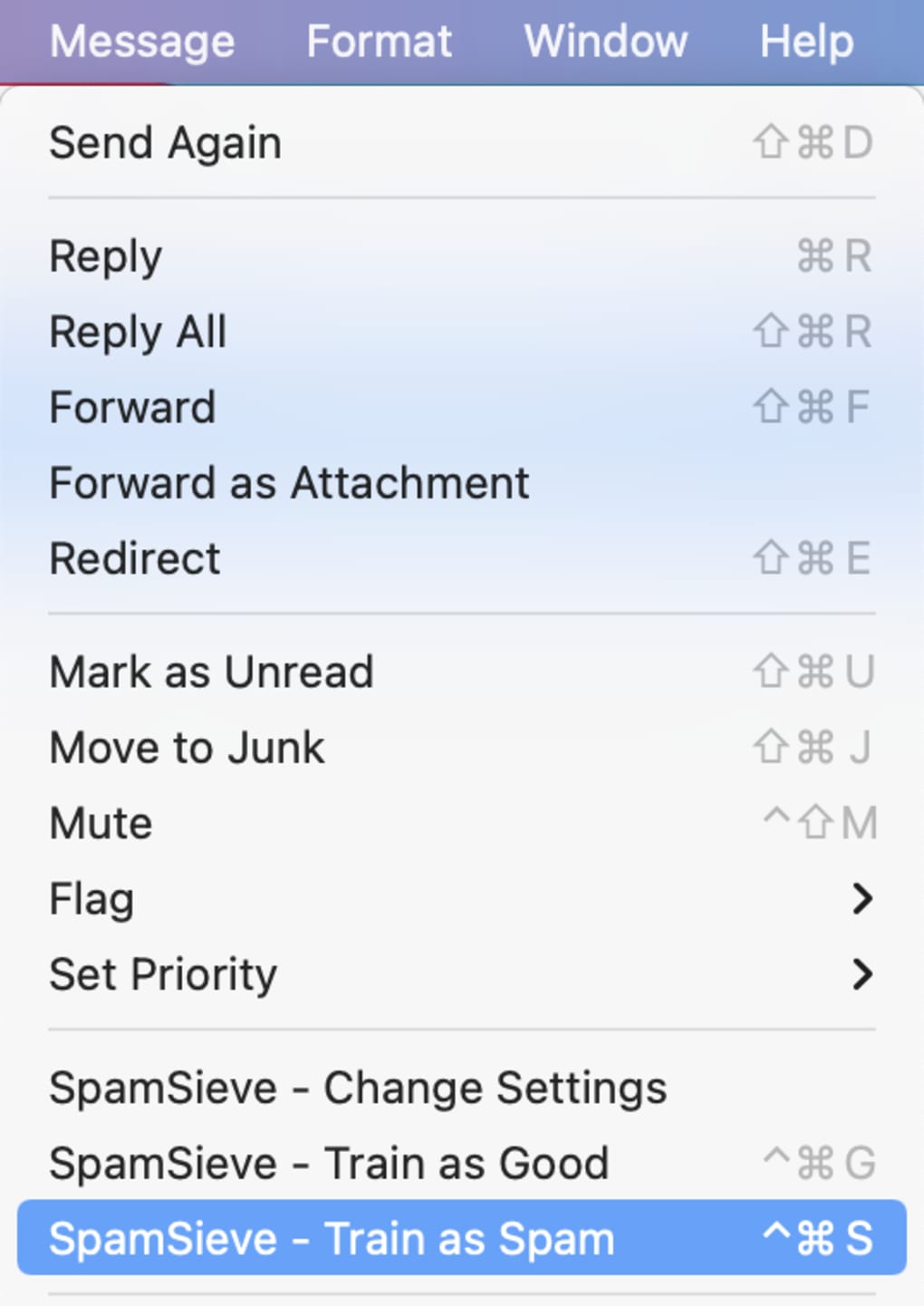
- Feedback Loop for Accuracy – Users can manually mark emails as spam or not spam, which the system uses to refine future predictions and reduce errors.
These features support efficient email management by reducing distractions and enhancing security. For example, a marketing professional can use custom rules to block recurring promotional emails while preserving important client messages. Similarly, a remote worker managing multiple accounts can benefit from automated filtering to maintain focus during high-traffic periods. The software’s ability to learn from user feedback ensures long-term relevance and performance without requiring constant oversight.
User Interface, Workflow & Performance
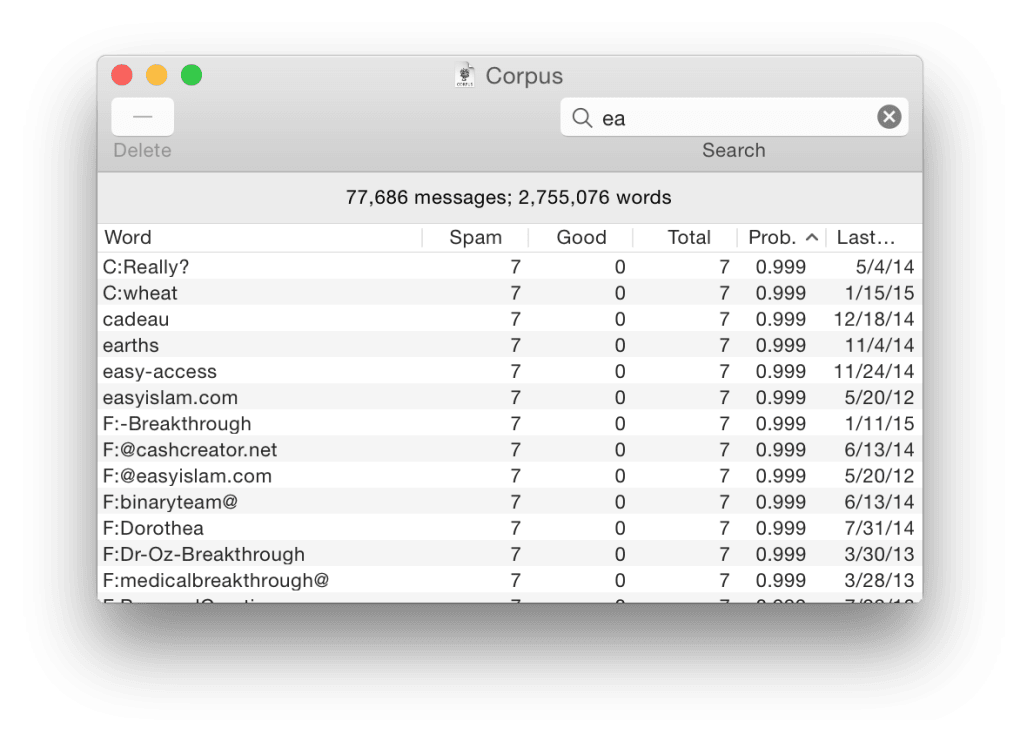
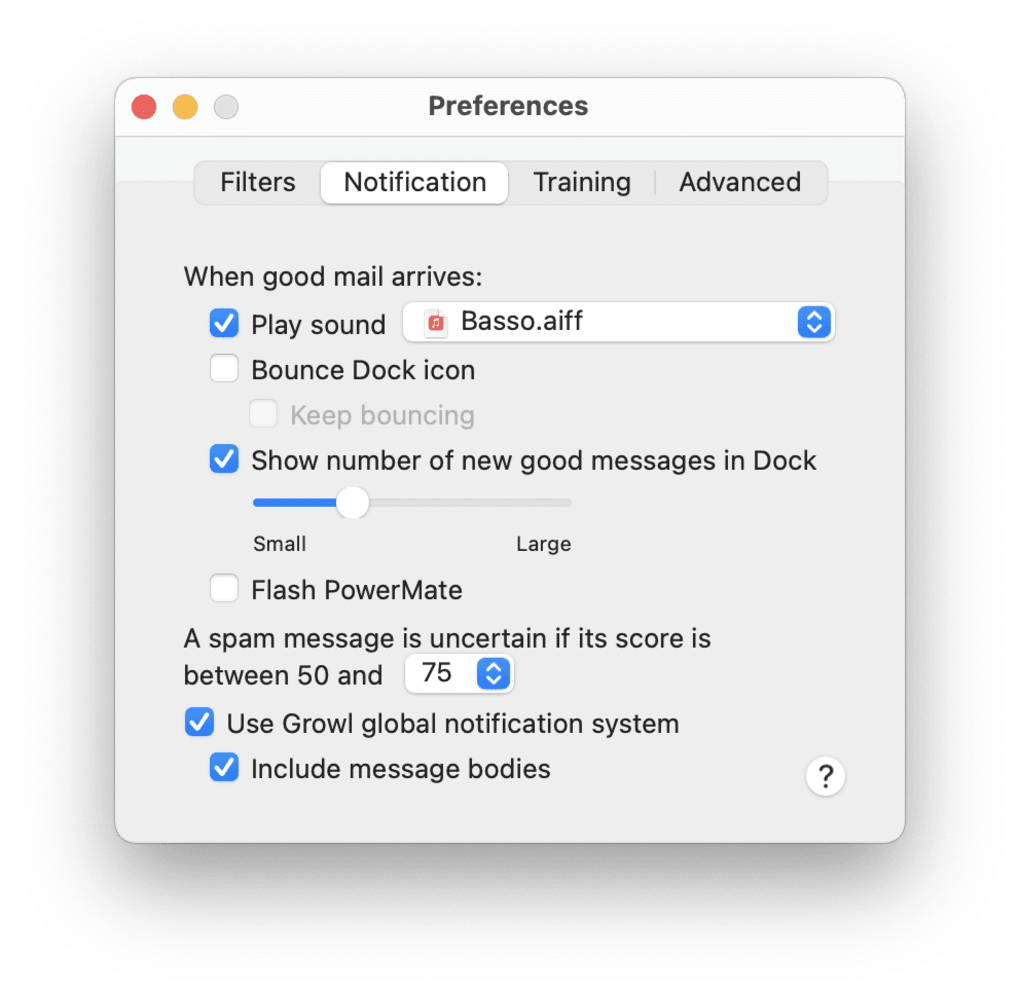
SpamSieve features a streamlined user interface designed for ease of use, with minimal onboarding required. The main control panel allows users to access filtering settings, view spam statistics, and manage feedback. Navigation is intuitive, with clearly labeled sections and straightforward configuration options. The workflow is optimized for efficiency, enabling users to set up the tool in minutes and begin filtering emails immediately.
Integration with Apple Mail is seamless, with no visible disruptions to the standard email experience. The software operates in the background, consuming system resources quietly. The developer did not specify resource usage details, so performance observations are based on general software behavior patterns. No reports of instability or crashes were noted in available documentation.
Users can expect consistent filtering performance across multiple email accounts and message types. The software maintains a low profile during operation, with no noticeable impact on email loading times or system responsiveness. CPU and RAM behavior were not specified, but the 18.2 MB installation size suggests a lightweight footprint. Overall, the tool appears designed for reliable, unobtrusive operation.
Compatibility & System Requirements
SpamSieve is designed exclusively for macOS, ensuring compatibility with Apple’s ecosystem. The current version, 3.2.1, is optimized for the latest macOS releases, though specific version requirements were not listed. The software requires 18.2 MB of disk space for installation, which is minimal for a desktop application with advanced filtering capabilities.
Exact system requirements were not listed. Compatibility information was partially provided, with no mention of minimum processor speed, RAM, or supported macOS versions. The developer did not specify whether older macOS versions are supported or if future updates will require newer hardware. Users should verify compatibility with their system configuration before installation.
Pros and Cons
Pros
- Effective spam filtering using machine learning technology
- Seamless integration with Apple Mail and other email clients
- Customizable rules for tailored spam protection
- Real-time filtering reduces inbox clutter immediately
- Adapts to user preferences over time for improved accuracy
Cons
- Available only for macOS, limiting cross-platform use
- Price point of $39.99 may be high for casual users
- Exact system requirements were not provided
- No information on update frequency or support channels
- Requires user feedback to achieve optimal performance
FAQ Section
Is SpamSieve compatible with all email clients on Mac?
SpamSieve is designed to work with Apple Mail and other email clients that support macOS filtering mechanisms. Specific compatibility details were not provided by the developer.
Is the software secure and safe to install?
SpamSieve is developed by SpamSieve, Inc. and distributed through official channels. The software does not require administrative privileges for basic operation, and no security vulnerabilities were reported in available documentation.
How often does SpamSieve receive updates?
The update frequency was not specified. Users are advised to check the official website for the latest version and release notes.
Does SpamSieve require an internet connection to function?
SpamSieve can operate offline after initial setup. However, some machine learning features may benefit from periodic online data synchronization, though this was not confirmed.
Can I use SpamSieve without a paid license?
SpamSieve is a paid software with a one-time purchase price of $39.99. No free trial or freemium model was mentioned in the provided information.
Final Thoughts + CTA
SpamSieve delivers a focused, intelligent solution for Mac users overwhelmed by spam and inbox clutter. Its machine learning-driven filtering, combined with seamless Apple Mail integration, makes it a standout tool for professionals and power users who demand precision and efficiency. While the lack of detailed system requirements and a free trial may limit accessibility for some, the software’s performance and adaptability justify its price for those invested in email productivity.
For anyone seeking a reliable, secure, and customizable spam filter that evolves with their habits, SpamSieve offers a compelling value proposition. The ability to fine-tune rules and benefit from real-time protection ensures long-term usability.
Download SpamSieve now to reclaim your inbox and enhance your email security today.







